
What Are The Most Useful Automotive Diagnostic Tools
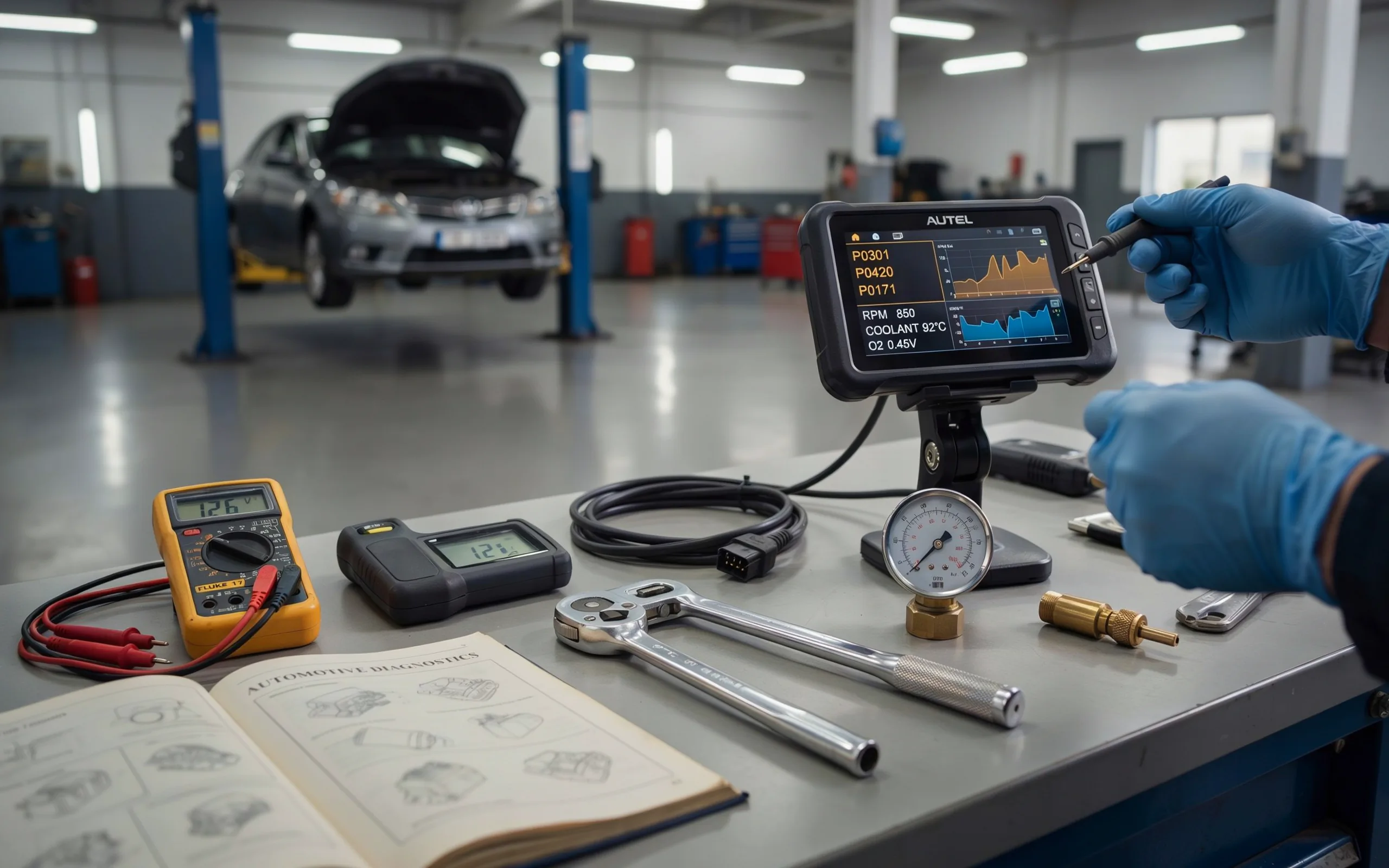
Discover the most useful automotive diagnostic tools for 2026. From OBD2 scanners to professional-grade systems, this guide covers the best tools to diagnose car problems, read codes, and save money on repairs.
That check engine light just popped on. Your heart sinks a little. You start thinking about expensive shop bills and long waiting times. But here is the good news: you do not have to panic. With the right equipment, you can figure out what is wrong with your car in just a few minutes.
The most useful automotive diagnostic tools put the power back in your hands. They let you read trouble codes, see live data from your engine, and even run tests that used to require a trip to the mechanic. Whether you are a weekend warrior who loves working on cars or someone who just wants to understand why that light came on, this guide will help you pick the right tools for your needs.
I have spent years working on cars, from simple oil changes to full engine rebuilds. I have used cheap code readers and expensive shop scanners. I have made mistakes and learned lessons along the way. In this article, I will share what I have learned so you can avoid the guesswork and get straight to fixing your vehicle.
Let us start with the basics and work our way up to the professional-grade equipment.
What Exactly Are Automotive Diagnostic Tools?
Automotive diagnostic tools are devices that connect to your car’s computer system. They read the data stored in your vehicle’s electronic control units (ECUs). Every modern car has multiple computers that control everything from the engine and transmission to the airbags and anti-lock brakes.
When something goes wrong, the car’s computer stores a diagnostic trouble code (DTC). This code tells you what system is having a problem. The diagnostic tool reads that code and shows it to you in plain language. Some tools even give you suggestions on what to check next.
All cars made after 1996 have a standardized port called the OBD-II port. This port is usually located under the dashboard on the driver’s side. You plug your diagnostic tool into this port, and it starts communicating with your car’s computers.
The most useful automotive diagnostic tools go beyond just reading codes. They show you live data streams, allow you to run tests on different components, and even help you reset service lights after you finish a repair.
Why You Need Diagnostic Tools for Your Car
Let me be honest with you. I used to take my car to the shop every time a warning light came on. It cost me a fortune. One time, I paid a mechanic over two hundred dollars just to tell me my gas cap was loose. That was the day I decided to buy my first OBD2 scanner.
Since then, I have saved thousands of dollars by diagnosing problems myself. Here is why you should consider getting your own diagnostic tools:
You save money. Shops charge anywhere from fifty to over a hundred dollars just to plug in a scanner and read your codes. You can buy a decent scanner for that same price and use it forever.
You save time. Instead of waiting days for a shop appointment, you can check your car right in your driveway. You know what is wrong within minutes.
You avoid unnecessary repairs. Some shops will try to sell you parts you do not need. When you have your own diagnostic data, you can make informed decisions about what actually needs fixing.
You learn about your car. Using diagnostic tools teaches you how your vehicle works. You start to understand the relationship between different systems. This knowledge helps you become a better car owner.
The Most Useful Automotive Diagnostic Tools for Every Skill Level
Not all diagnostic tools are created equal. Some are simple code readers that give you basic information. Others are powerful computers that can reprogram your car’s modules. The most useful automotive diagnostic tools depend on your skill level, budget, and what you plan to do with them.
Let us break down the different types and look at some specific recommendations.
Basic OBD2 Code Readers
These are the entry-level tools. They plug into your OBD2 port and read the codes stored in your engine control module. They show you the code number and a brief description. Some also let you clear the codes, which turns off the check engine light.
Basic code readers are perfect for beginners. They are affordable, easy to use, and give you the information you need to decide if a problem is serious or not.
Motopower MP69033 is a great budget option. It costs under thirty dollars and does exactly what it is supposed to do. It reads codes, displays them on a small screen, and lets you clear them. It is not fancy, but it gets the job done. If you only want to know why your check engine light is on, this is all you need.
What you get with a basic reader:
- Read and clear engine codes
- Basic code definitions
- Small screen display
- No internet connection required
Bluetooth Scanners with Smartphone Apps
These tools are becoming very popular. They are small dongles that plug into your OBD2 port. They connect to your phone via Bluetooth and use an app to display diagnostic information.
The advantage of Bluetooth scanners is the app interface. Smartphone screens are larger and more colorful than the tiny displays on basic readers. Many apps also give you detailed code definitions, repair suggestions, and even video tutorials.
Gearwrench Everyday Diagnostic Tool is a solid Bluetooth option. It pairs with your phone and provides a clean, user-friendly interface. The app shows you codes, live data, and even some bidirectional controls. It is a good middle-ground choice for DIYers who want more than just code reading.
What you get with a Bluetooth scanner:
- Phone-based display with rich graphics
- Code definitions and repair tips
- Live data streaming
- Easy software updates through the app
- Portability and convenience
Advanced Handheld Scanners
These are the tools that serious DIYers and professional mechanics use. They have built-in screens, physical buttons, and powerful processors. They can read codes from all the systems in your car, not just the engine.
Advanced scanners give you access to ABS (anti-lock brakes), SRS (airbags), transmission, and body control modules. They show live data in graphs and charts. Some even let you run bi-directional tests, which means you can command components to turn on or off to test them.
Innova 5610 is widely regarded as one of the best advanced scanners for DIY use. It can pull SRS airbag codes, reset oil lights and battery indicators, read engine, ABS, SRS, and tire pressure live data, and even help with ABS brake bleeding. Version 3 of the 5610 was tested in 2025 and still came out as the top pick for diagnostic use.
Ancel BD310 is another excellent choice. It offers a nice balance between corded and Bluetooth capabilities. You can use it with the corded interface or connect via Bluetooth to access more data through the free app.
What you get with an advanced scanner:
- Full system diagnostics (engine, ABS, SRS, transmission)
- Live data graphing
- Bi-directional control
- Service resets (oil, battery, brake)
- Built-in screen with intuitive menus
Professional-Grade Diagnostic Tablets
These are the heavy hitters. Professional diagnostic tablets are used in shops and dealerships. They are powerful computers that can do almost anything with a vehicle’s electronic systems.
These tools can program new modules, perform complex coding, and run dealer-level diagnostics. They often come with large touchscreens, wireless vehicle communication interfaces, and extensive vehicle coverage.
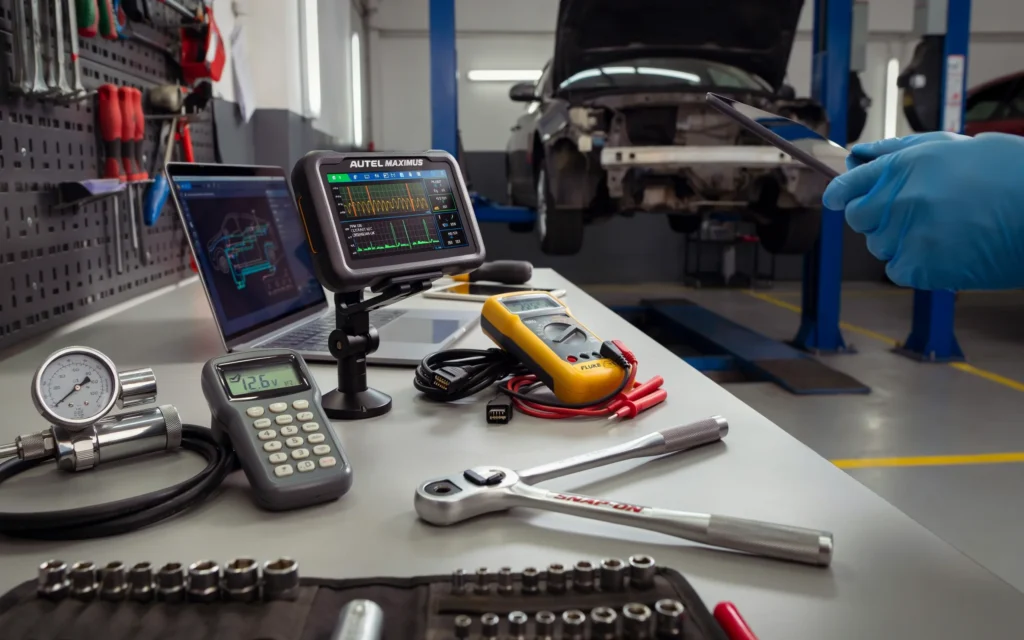
Autel is a major player in this space. The Autel Ultra offers built-in oscilloscope functions, full programming and coding support, and fast real-time data processing. For professionals who do not need a scope, the Autel Ultra Lite provides the same power at a lower price.
TOPDON also offers professional-grade options. The ArtiDiag800 features full system diagnostics for 54 vehicle makes and offers 28 service functions. The RLink X3 achieves OEM-level diagnostics when paired with OE software, including ECU programming and coding.
What you get with a professional tablet:
- Dealer-level diagnostic capabilities
- ECU programming and coding
- Oscilloscope functions (on some models)
- Wireless VCI for easy connection
- Extensive vehicle coverage
- Regular software updates
Specialty Diagnostic Tools
Sometimes you need tools that focus on specific systems. These specialty tools are among the most useful automotive diagnostic tools for particular jobs.
Battery testers like the Bosch BAT 135 can test 6V and 12V batteries from 40 to 2,000 CCA, including AGM, Gel cell, and flooded lead-acid batteries. A good battery tester saves you from replacing a battery that is still good.
TPMS tools help you work with tire pressure monitoring systems. The Launch Tech TSAP3 simplifies TPMS service. These tools can read sensor IDs, temperature, battery state, and tire pressure.
Heavy-duty diagnostic tools are designed for trucks and commercial vehicles. The XTool HDGURU offers over 60 bi-directional tests and more than 35 dedicated Cummins functions.
How to Choose the Most Useful Automotive Diagnostic Tools for You
Choosing the right tool can feel overwhelming with so many options available. But it does not have to be complicated. Ask yourself these questions:
What is your budget? Basic code readers cost under fifty dollars. Bluetooth scanners range from fifty to one hundred fifty dollars. Advanced handheld scanners run from two hundred to six hundred dollars. Professional tablets can cost over a thousand dollars.
What do you plan to fix? If you only want to check engine codes, a basic reader is enough. If you work on brakes, airbags, or transmission issues, you need a full-system scanner. If you do complex repairs and programming, you need a professional tablet.
How often will you use it? For occasional use, a budget-friendly option works fine. For regular use, invest in something more durable with better features.
What cars do you own? Some tools work better with certain makes. Check the vehicle coverage before buying. The most useful automotive diagnostic tools support the brands you actually drive.
Do you want app connectivity? Bluetooth scanners are convenient but require a smartphone. Handheld scanners work independently. Choose based on your preference.
Key Features to Look For
When comparing diagnostic tools, pay attention to these features. They separate the good tools from the great ones.
Live Data Streaming
Live data shows you what your sensors are reading in real time. You can watch oxygen sensor voltages, fuel trim values, engine RPM, and coolant temperature as the engine runs. This is invaluable for diagnosing intermittent problems.
Bi-Directional Control
Also called active testing, this feature lets you command components to turn on or off. For example, you can turn on the cooling fan, activate the fuel pump, or cycle the ABS solenoids. This helps you test whether a component is working without having to jump wires or use external power sources.
Service Reset Functions
Many modern cars require service resets after maintenance. You might need to reset the oil life monitor, register a new battery, or recalibrate the electronic parking brake. Advanced scanners include these functions, saving you trips to the dealer.
Vehicle Coverage
Check which makes, models, and years the tool supports. Some tools cover only domestic vehicles. Others cover Asian and European cars as well. The most useful automotive diagnostic tools have broad coverage that matches your needs.
Software Updates
Cars are constantly changing. New models have new systems and protocols. Regular software updates keep your tool current. Some brands offer free updates for a certain period. Others charge a subscription fee. Factor this into your decision.
Build Quality
If you use your tool frequently, durability matters. Look for rugged construction, good screen visibility, and reliable connectors. Professional tools are built to withstand daily use in a shop environment.
Real-World Uses for Diagnostic Tools
Let me share some situations where the most useful automotive diagnostic tools saved the day.
Situation 1: The Check Engine Light
Your check engine light comes on. You plug in your scanner and get code P0420. This code means the catalytic converter is not working efficiently. Instead of panicking, you check the live data from your oxygen sensors. You notice the readings are erratic. You replace the downstream oxygen sensor, clear the code, and the light stays off. Cost: fifty dollars for the sensor versus a thousand dollars for a catalytic converter.
Situation 2: The ABS Light
Your ABS light is on, and your brakes feel strange. You use a full-system scanner to read the ABS module. The code points to a faulty wheel speed sensor. You test the sensor with the scanner’s live data function and confirm it is not sending a signal. You replace the sensor for forty dollars and bleed the ABS system using the scanner’s bleeding function. Problem solved.
Situation 3: The Battery Warning
You replace your car’s battery, but the auto start-stop system is not working. Many European cars need battery registration after replacement. Your advanced scanner has a battery registration function. You enter the new battery’s specifications, and the car recognizes the new battery. The start-stop system works again.
Common Mistakes to Avoid
I have made these mistakes so you do not have to.
Buying a tool that is too basic. I bought a simple code reader and thought I was set. Then I needed to diagnose an ABS problem and realized my reader could not access that system. I had to buy another tool. Save yourself the trouble and buy a full-system scanner from the start if you plan to do any serious work.
Ignoring software updates. I used an old scanner for years without updating it. When I tried to diagnose a newer car, it could not communicate with the modules. Regular updates keep your tool compatible with new vehicles.
Not checking vehicle coverage. I once bought a tool that claimed to work on all cars. It did not work on my European car. Always check the specific makes and models supported.
Overpaying for features you do not need. A professional tablet is great, but if you only change oil and brake pads, you do not need programming functions. Buy what fits your actual work.The Future of Automotive Diagnostic Tools
Diagnostic tools are getting smarter. Artificial intelligence is starting to play a role. Some new scanners do not just read codes; they analyze thousands of data points and suggest probable causes. This is a big step forward for DIYers who are not sure what to do with the raw data.
Wireless connectivity is becoming standard. Bluetooth and Wi-Fi scanners let you move around the car while monitoring data on your phone or tablet. This is much more convenient than being tethered to the OBD2 port.
Cloud-based diagnostics are also emerging. Some tools upload your data to the cloud and compare it with known issues for your vehicle model. This gives you repair suggestions based on real-world experience from other users.
Despite these advances, the most useful automotive diagnostic tools will always be the ones that give you clear, actionable information. Fancy features are nice, but reliability and accuracy matter most.
Tips for Getting the Most Out of Your Diagnostic Tools
Here are some practical tips to help you use your diagnostic tools effectively.
Always record the original codes. Before you clear any codes, write them down. This gives you a reference if the problem comes back.
Check freeze frame data. Many scanners show freeze frame data, which is a snapshot of the engine conditions when the fault occurred. This information helps you understand what was happening when the problem started.
Use live data for diagnosis. Do not just read codes and guess. Watch the live data to see what is actually happening. Compare sensor readings to factory specifications.
Research the codes. A code is just a starting point. Use online resources, forums, and repair guides to understand what the code means for your specific vehicle.
Practice on your own car. Get comfortable with your tool before you need it in an emergency. Plug it in, read the codes, and explore the live data menus. Familiarity breeds confidence.
“Diagnostic tools are only as good as the person using them. The code tells you where to look, but your brain tells you what to do next.”
– Chris Fix, Automotive YouTuber and Mechanic
Frequently Asked Questions
What is the most useful automotive diagnostic tool for a beginner?
For a beginner, a Bluetooth OBD2 scanner paired with a good smartphone app is the best choice. It is affordable, easy to use, and gives you clear information. The Gearwrench Everyday Diagnostic Tool is a solid option. If you prefer a standalone device, the Motopower MP69033 is a great budget-friendly choice.
Can I use these tools on any car?
Most tools work on any car made after 1996 that has an OBD-II port. However, some advanced functions may only work on specific makes or models. Always check the tool’s vehicle coverage before buying.
Do I need a professional scanner for home use?
Not usually. Professional scanners are expensive and have features most home users never need. An advanced handheld scanner like the Innova 5610 gives you professional-level diagnostics at a fraction of the cost.
Will a diagnostic tool tell me exactly what part to replace?
No. A diagnostic tool tells you which system has a problem, but it does not always pinpoint the exact faulty part. For example, a code for a lean fuel mixture could be caused by a vacuum leak, a faulty oxygen sensor, or a clogged fuel filter. You still need to do some diagnosis.
How often should I update my scanner’s software?
Check for updates at least twice a year. New car models come out every year, and software updates add support for them. Some tools update automatically through their apps, which makes it easy.
Can I clear codes and pass an emissions test?
Clearing codes turns off the check engine light, but it also resets the emissions monitors. Your car needs to complete a drive cycle to run the monitors again. If you clear codes right before an emissions test, you will likely fail because the monitors are not ready.
Are Bluetooth scanners as good as handheld scanners?
Bluetooth scanners are very good for most DIY tasks. They offer excellent value and convenience. However, handheld scanners often have more advanced features like bi-directional control and service resets. Choose based on your needs.
Final Thoughts
Having your own diagnostic tools changes the way you deal with car problems. Instead of feeling helpless when a warning light comes on, you feel in control. You know what is wrong, and you can decide whether to fix it yourself or take it to a shop with confidence.
The most useful automotive diagnostic tools are the ones that fit your needs and budget. Start with something simple and upgrade as your skills grow. You do not need to spend a fortune to get started. Even a basic code reader can save you from expensive diagnostic fees.
Remember, these tools are just the beginning. They give you information, but you still need to apply your knowledge and common sense to solve the problem. Use the codes as a guide, do your research, and take your time. Every repair you complete successfully builds your confidence and skills.
If you are new to this, do not be intimidated. We all started somewhere. Pick a tool, learn how to use it, and start with small repairs. Before you know it, you will be diagnosing and fixing problems that used to send you straight to the mechanic.
“Knowledge is power, but applied knowledge is freedom. When you understand your car, you are no longer at the mercy of the repair shop.”
– Eric O., South Main Auto Repair
Conclusion
The most useful automotive diagnostic tools range from simple code readers to professional-grade tablets. Your choice depends on your budget, skill level, and the type of work you plan to do. Basic readers and Bluetooth scanners are perfect for beginners and casual users. Advanced handheld scanners give you full system access and bi-directional control. Professional tablets offer dealer-level capabilities for serious technicians.
Investing in a good diagnostic tool pays for itself many times over. You save money on diagnostic fees, avoid unnecessary repairs, and gain a deeper understanding of your vehicle. Plus, there is a real sense of satisfaction that comes from fixing your own car.
Start with a tool that matches your current needs. Use it, learn from it, and upgrade when you are ready. The most important thing is to take that first step. Your car will thank you, and so will your wallet.
Related posts
 Top Starter Mechanic Tool Kits for Apprentices: Essential Sets for Your Trade
Explore top starter mechanic tool kits for apprentices. Compare sets for mechanics, electricians, and other trades to find your essential tools. Starting an apprenticeship is an…
 Automotive Tool Kits vs. Mechanic Tool Sets: What’s the Difference?
Understand the key differences between automotive tool kits vs. mechanic tool sets. Learn which is best for your car maintenance needs. When looking for tools to…
 Top Automotive Tool Kits for Garage Workshops: A Buyer’s Guide
Find the top automotive tool kits for garage workshop. Compare versatile sets for car maintenance, home repairs, and DIY projects to choose the best fit. Setting…